

A flickering TV screen can be annoying. It disrupts your viewing experience.
But don’t worry, there are simple fixes you can try. If your TV screen starts flickering, it might seem like a big problem. Often, it’s just a minor issue that you can solve on your own. Flickering can be caused by loose cables, outdated software, or even settings on your TV.
By following a few steps, you can identify the cause and fix the problem. This guide will walk you through the possible reasons and solutions. Let’s get your TV back to normal so you can enjoy your favorite shows without interruptions.

Credit: www.youtube.com
Common Causes Of Tv Screen Flickering
The TV screen flickering can be annoying and disruptive. Understanding the common causes can help fix the problem quickly. In this section, we will explore some common causes of TV screen flickering.
Loose Connections
Loose connections are often a culprit. Check the cables connected to your TV. Ensure they are securely plugged in. Loose cables can interrupt the signal. This can cause the screen to flicker.
Inspect the HDMI and power cables. Sometimes, they can be damaged or worn out. Replacing faulty cables can solve the issue.
Interference From Other Devices
Other devices can interfere with your TV signal. Wireless routers, microwaves, and cordless phones can cause flickering. Try moving these devices away from your TV.
Electromagnetic interference can disrupt the TV signal. Turn off or unplug nearby devices to see if the flickering stops. This can help identify the source of the problem.
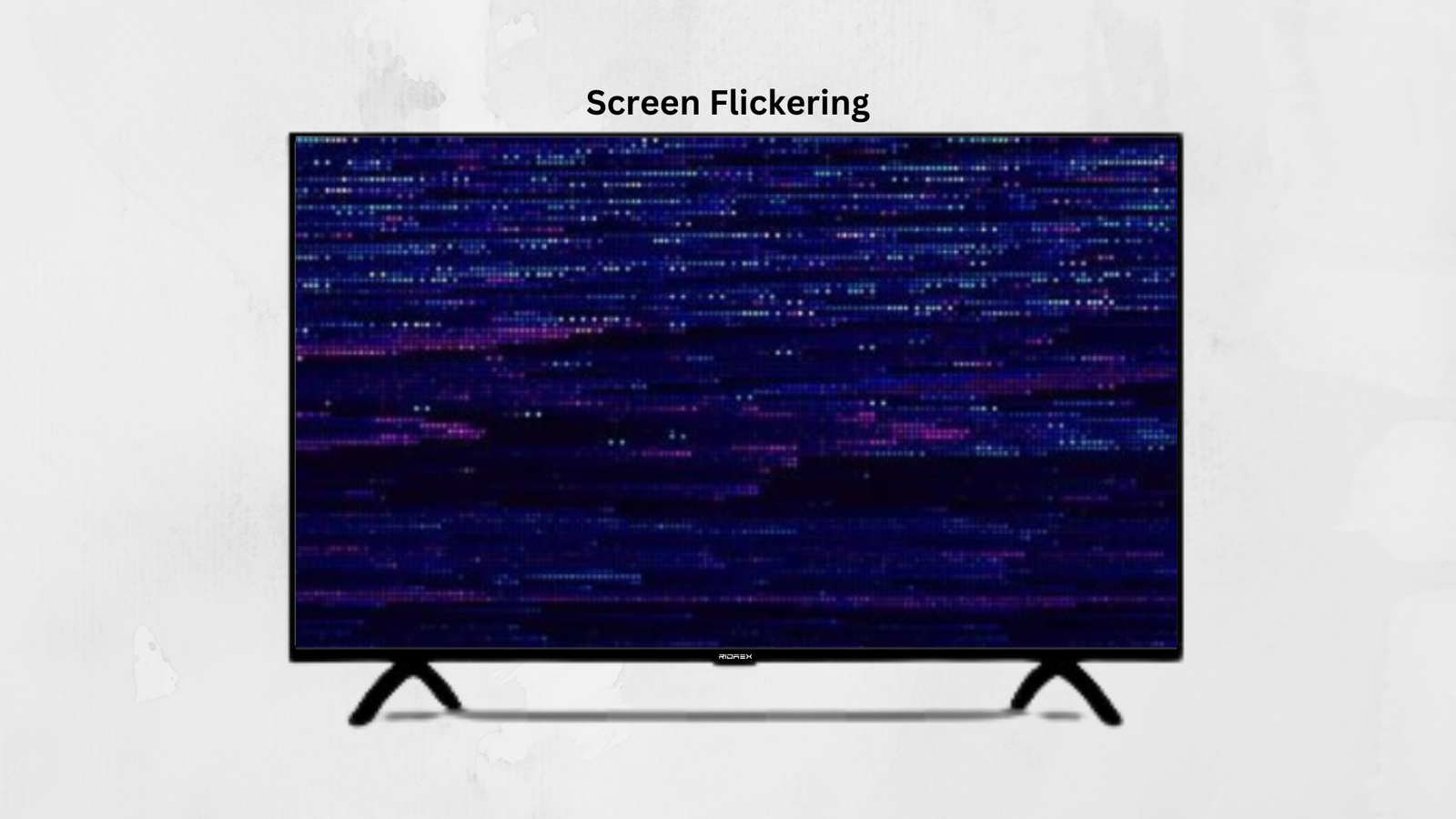
Credit: ridaex.store
Initial Troubleshooting Steps
If your TV screen is flickering, it can be frustrating. Before calling for professional help, try these initial troubleshooting steps. These basic checks might solve the issue quickly and save you money.
Check Power Supply
Ensure the TV is securely plugged into the wall outlet. A loose plug might cause flickering. Verify that the outlet is working by plugging in another device. Also, consider using a different outlet to rule out issues with the current one.
Inspect Cables
Check all the cables connected to the TV. Ensure they are firmly plugged in. Loose or damaged cables can cause flickering. Look for any signs of wear or damage on the cables. Replace any that appear worn or frayed. Also, try using different cables to see if the flickering stops.
Adjusting Tv Settings
Experiencing a flickering TV screen can be frustrating. Adjusting TV settings can help solve this issue. Let’s look at some key settings that might need tweaking.
Brightness And Contrast
Brightness and contrast settings impact the quality of your TV display. If these settings are too high or too low, your screen might flicker. Try adjusting the brightness first. Lower it to see if the flickering stops. Next, adjust the contrast setting. Sometimes, reducing the contrast can stabilize the screen. Keep making small adjustments until the flickering stops.
Refresh Rate
The refresh rate is another setting that can cause flickering. This setting measures how often the TV updates the image per second. Check your TV menu for the refresh rate setting. Try setting it to a higher value. A higher refresh rate can make the picture smoother. If your TV supports it, try 60 Hz or 120 Hz. This adjustment might stop the flickering.
Updating Firmware
If your TV screen is flickering, updating the firmware can often solve the problem. Firmware updates improve your TV’s performance and fix bugs. They are essential to keep your TV running smoothly.
Accessing The Menu
To update the firmware, first access your TV’s menu. Use your remote to navigate to the settings. Look for a section labeled “System” or “Support.” This is where you will find the firmware update options.
Downloading Updates
Once you are in the correct section, select “Firmware Update” or “Software Update.” Your TV will check for available updates. If an update is found, follow the on-screen instructions to download and install it. Make sure your TV is connected to the internet to complete this process.
Resetting The Tv
Resetting the TV can often solve the issue of a flickering screen. This process helps in clearing temporary glitches or software issues. There are two main types of resets you can perform: a soft reset and a factory reset. Each method has its own steps and benefits.
Soft Reset
A soft reset is the simplest way to restart your TV. First, turn off the TV and unplug it from the power outlet. Wait for about 60 seconds. This allows the internal memory to clear. Then, plug the TV back in and turn it on. Check if the flickering issue is resolved. This method is quick and often effective for minor glitches.
Factory Reset
A factory reset is more thorough and restores the TV to its original settings. This option will erase all your settings and preferences. To perform a factory reset, go to the TV’s settings menu. Find the option labeled “Reset” or “Factory Reset.” Follow the on-screen instructions to complete the process. Your TV will restart and return to its default settings. This can fix deeper software problems that cause screen flickering.
External Device Issues
Dealing with a flickering TV screen can be frustrating. One potential cause is external device issues. These can significantly impact your viewing experience. Let’s explore some common problems and their fixes.
Problems With Hdmi
First, check your HDMI cable. An old or damaged cable may cause flickering. Replace it with a new one. Ensure the connection is secure. Sometimes, dust or debris can affect the connection. Clean the HDMI port and cable ends carefully. Try using a different HDMI port on your TV. Some ports might work better than others. If you use an HDMI splitter, remove it. Connect the device directly to the TV.
Malfunctioning Streaming Devices
Streaming devices can also cause screen flickering. Restart the device. This simple step can resolve many issues. Check for software updates. Outdated software may lead to problems. Ensure the device is not overheating. Turn it off for a while to cool down. Use a different streaming device to see if the issue persists. If it stops, the original device might be faulty. Consider replacing it if necessary.
Environmental Factors
Check your cables and connections if your TV screen is flickering. Adjust the refresh rate settings on your TV. Ensure no nearby electronic devices are causing interference.
When your TV screen starts flickering, it can be incredibly frustrating. Sometimes, the cause isn’t within the TV itself but due to environmental factors. Understanding these factors can help you quickly identify and fix the issue.Lighting Conditions
The lighting in your room can affect your TV screen. Bright lights or direct sunlight can cause glare or reflections, making it look like the screen is flickering. Try adjusting your room’s lighting.Close the curtains or move lamps away from the TV. If your TV has an ambient light sensor, ensure it’s clean and unobstructed. This sensor helps the TV adjust its brightness based on the room’s light, and a dirty sensor can cause flickering.Temperature Variations
Extreme temperatures can impact your TV. If the room is too hot or too cold, it can cause the screen to flicker. Make sure your TV is in a room with a stable temperature.Avoid placing your TV near heat sources like radiators or in direct sunlight. If you recently moved your TV from one room to another, give it some time to adjust to the new temperature.Have you ever noticed your TV flickering more during certain times of the day? It could be due to temperature changes. Keeping your room at a consistent temperature can help minimize these issues..png "What to Do If Tv Screen is Flickering: Quick Fixes and Tips 3")
Credit: ridaex.store
When To Call A Professional
A flickering TV screen may need professional help if basic troubleshooting fails. Persistent issues often indicate deeper electrical problems. Seek expert assistance to avoid potential hazards.
If your TV screen is flickering, it can be quite annoying and disruptive. While you might be tempted to fix it yourself, sometimes calling a professional is the best course of action. But how do you know when it’s time to make that call? Let’s break it down with some key points.Persistent Problems
If your TV screen flickers constantly, it might be a sign of a deeper issue. Minor adjustments or simple troubleshooting steps should fix occasional flickers. However, if the problem persists despite your efforts, it’s time to call a professional.A professional can diagnose issues that aren’t visible to the naked eye. They have the tools and expertise to identify whether the problem lies with the hardware or software.Ignoring persistent flickers can lead to more serious damage. It might also void any existing warranties or return policies.Warranty Considerations
Check if your TV is still under warranty. If it is, you might be eligible for a free repair or even a replacement. Most warranties cover issues that are not caused by user error or accidents.Calling a professional approved by the manufacturer can save you money. Unauthorized repairs might void your warranty. Always read the terms and conditions of your warranty for specific guidance.Make a note of when you purchased your TV. Even if the warranty has just expired, contacting the manufacturer might still get you some support.By considering these points, you can make a more informed decision. Have you faced similar issues with your TV? How did you handle it? Share your experiences in the comments below.Frequently Asked Questions
How Do I Stop My Tv From Flickering?
Check the HDMI cables and connections. Update your TV’s firmware. Adjust the picture settings. Reduce nearby electronic interference.
How To Repair A Flickering Tv Screen?
To fix a flickering TV screen, check cable connections and tighten them. Update the TV firmware. Adjust picture settings. Try resetting the TV to factory settings. If issues persist, contact professional support.
What Does It Mean If Your Tv Screen Flickers?
A flickering TV screen usually indicates a loose cable, power supply issues, or a faulty display. Check connections and restart the TV. If the problem persists, consult a technician for further diagnosis.
Can A Flickering Screen Be Fixed?
Yes, a flickering screen can be fixed. Check for loose connections, update drivers, adjust display settings, or replace the screen.
Conclusion
Fixing a flickering TV screen is often simple. Check the cables first. Loose or damaged cables cause flickering. Adjust or replace as needed. Next, inspect the TV settings. Wrong settings can affect the screen. Adjust brightness, contrast, and refresh rate.
Update the TV firmware if needed. Outdated firmware causes issues. If all else fails, consult a professional. Persistent problems might need expert help. Regular maintenance helps prevent future flickering. Keep cables secure and update settings periodically. Enjoy a stable, flicker-free viewing experience.

“I’m someone who loves trying out all the newest tech gadgets! I spend a lot of time testing things like phones, tablets, and computers & accessories. I look at everything carefully and tell you exactly what I think, good or bad. I’ve been doing this for a long time, so I know a lot about how these things work. I want to help you decide if a gadget is really worth your money!”